
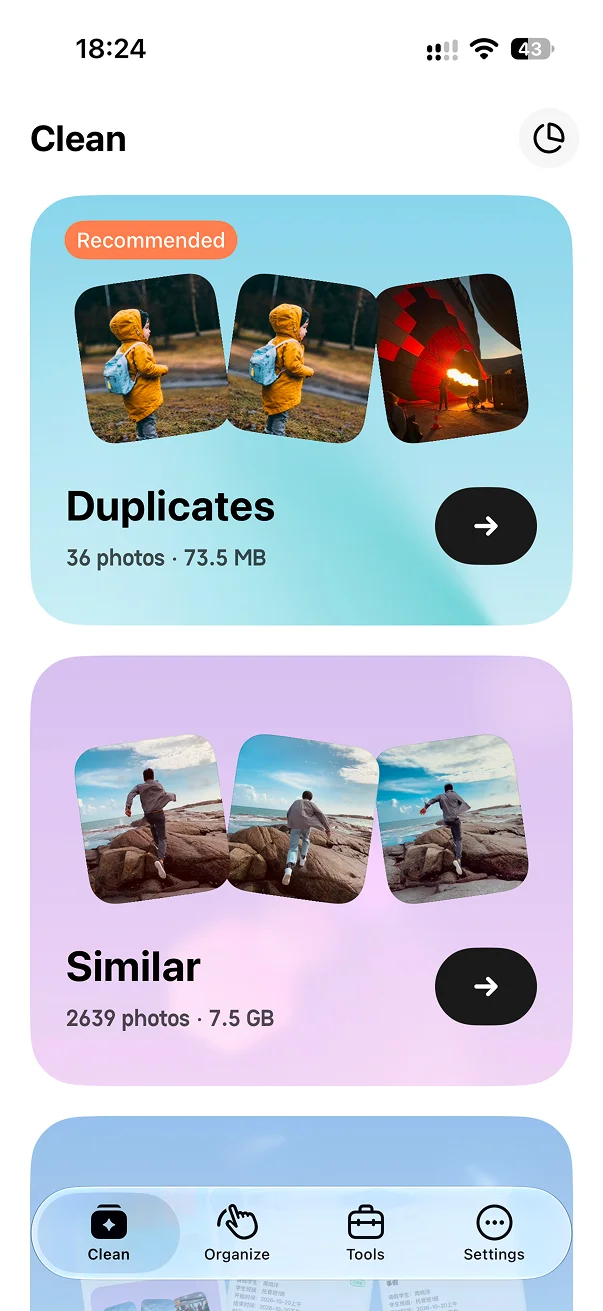
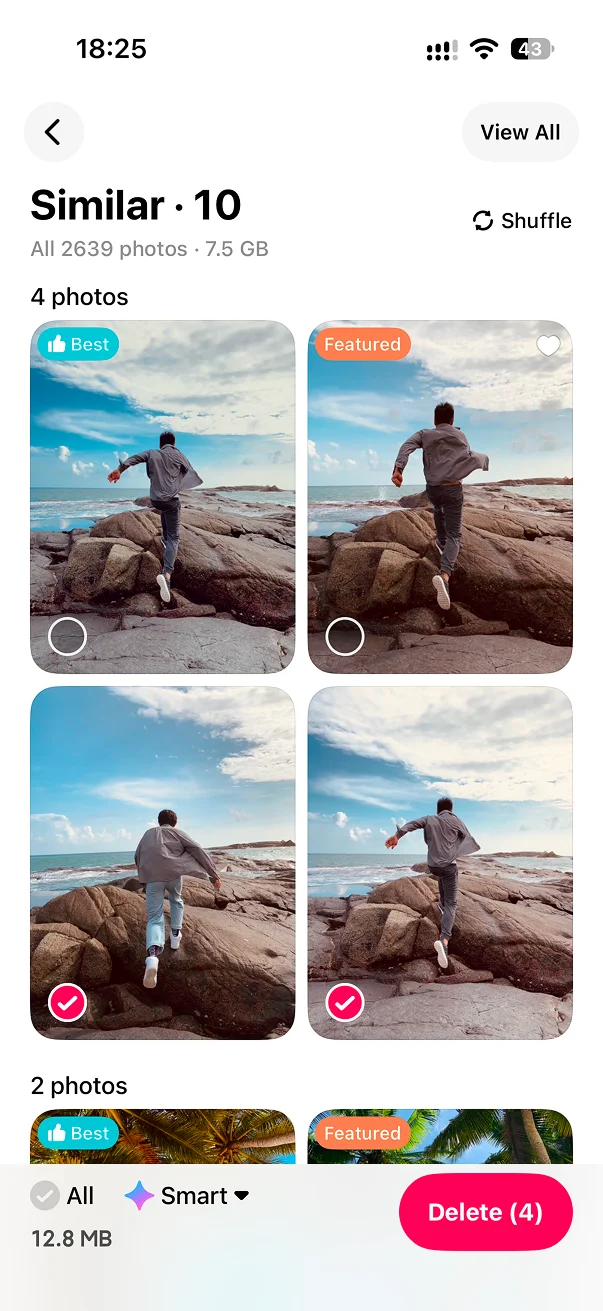
Clean Up Duplicate & Similar Photos.
Merge duplicates without losing albums or favorites. For similar photos, keep the best shots and unique perspectives, then review what LessPhoto preselects.
Clean duplicates and similar shots, swipe through old photos, compress large images, and clear screenshots. All photo processing stays on your iPhone.
Merge duplicates without losing albums or favorites. For similar photos, keep the best shots and unique perspectives, then review what LessPhoto preselects.
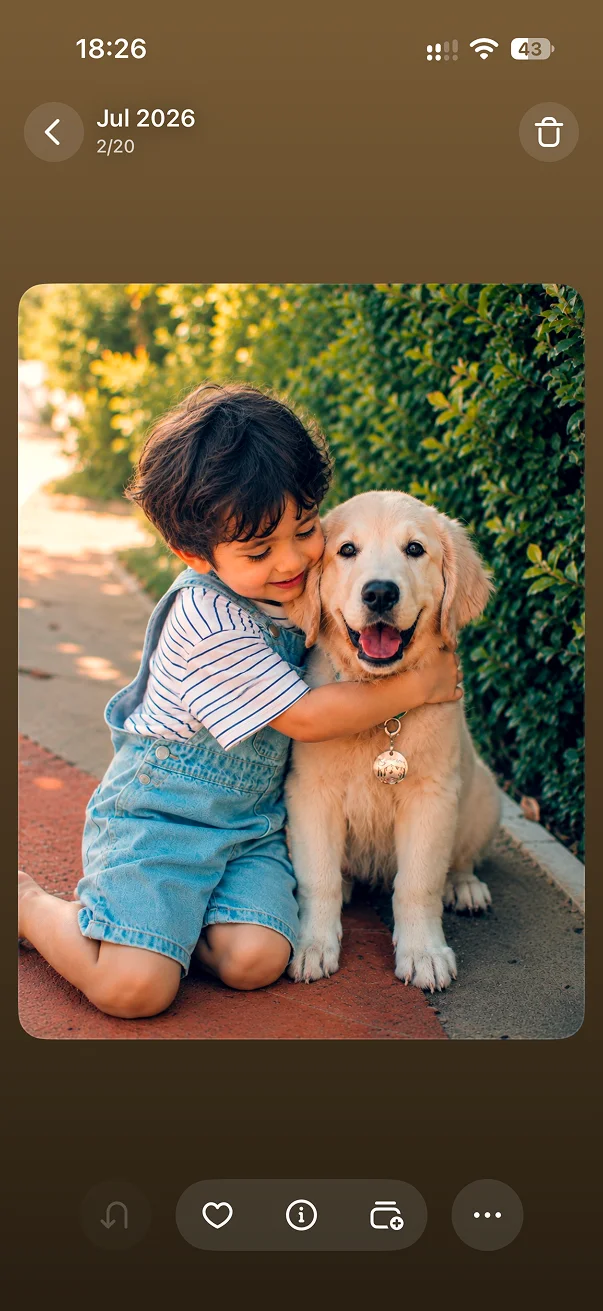
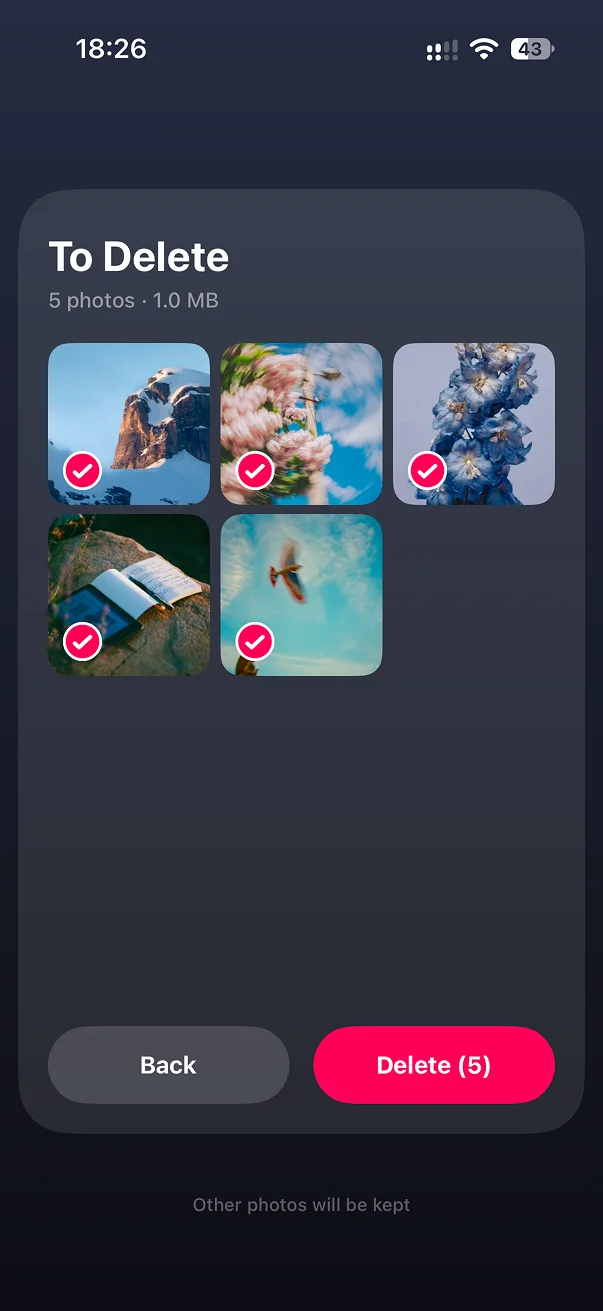
Review by month or at random. Swipe unwanted photos to the trash, check the batch, then delete.
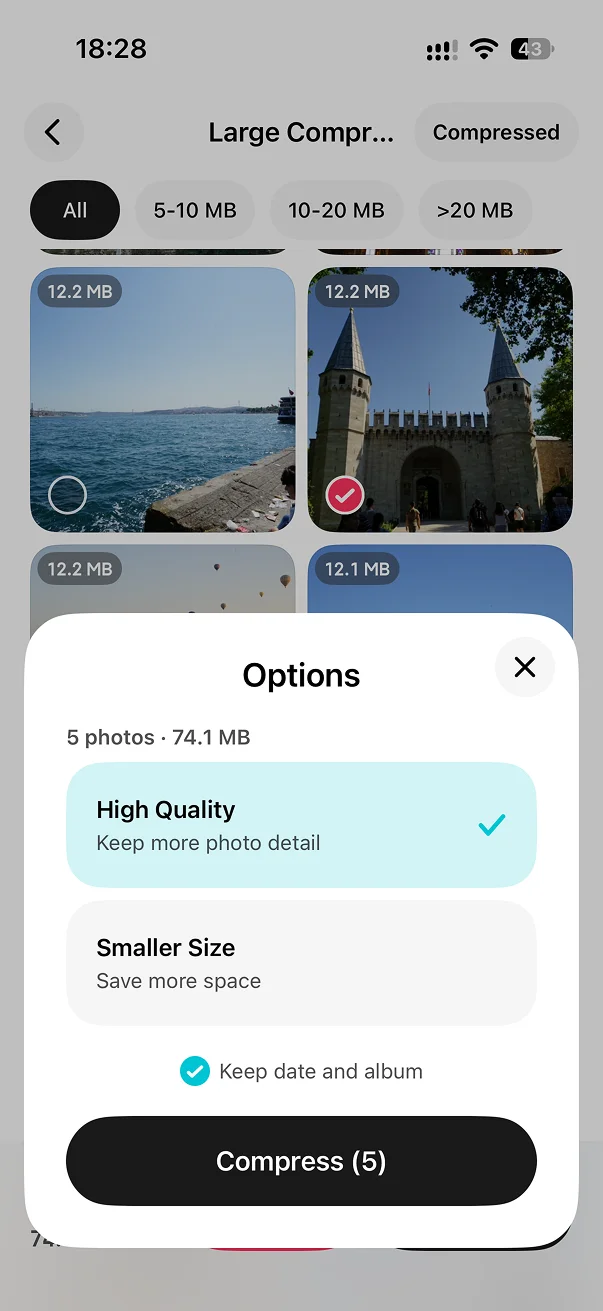
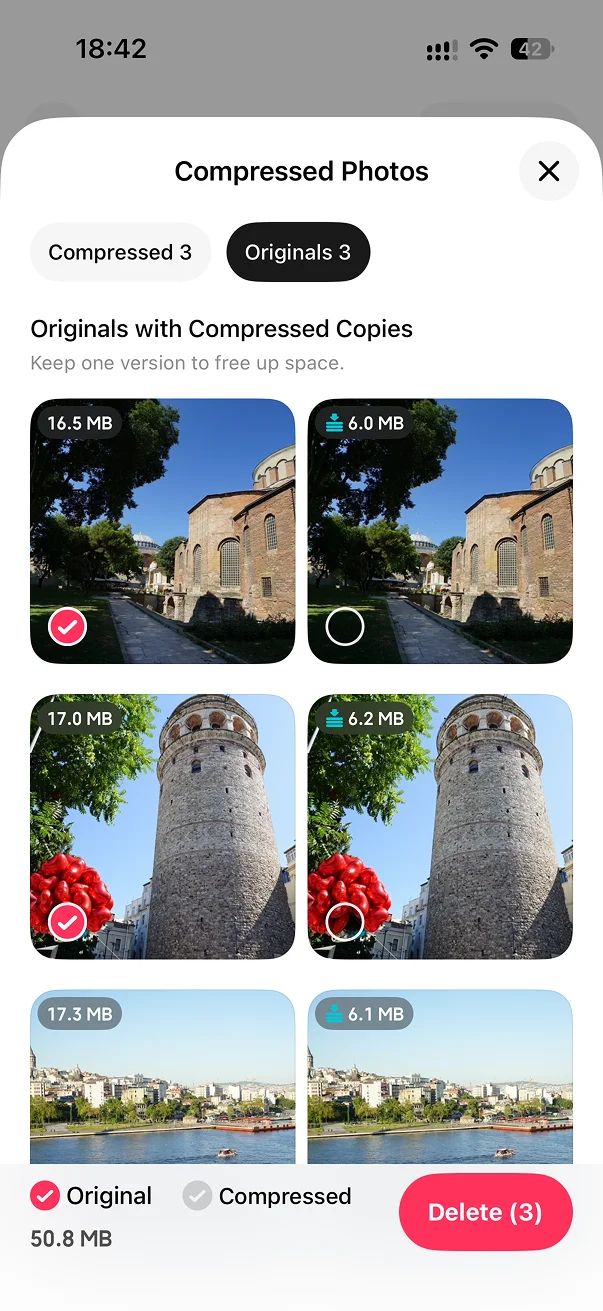
Choose More Detail or Smaller Size. Create a HEIC copy and compare it with the original.
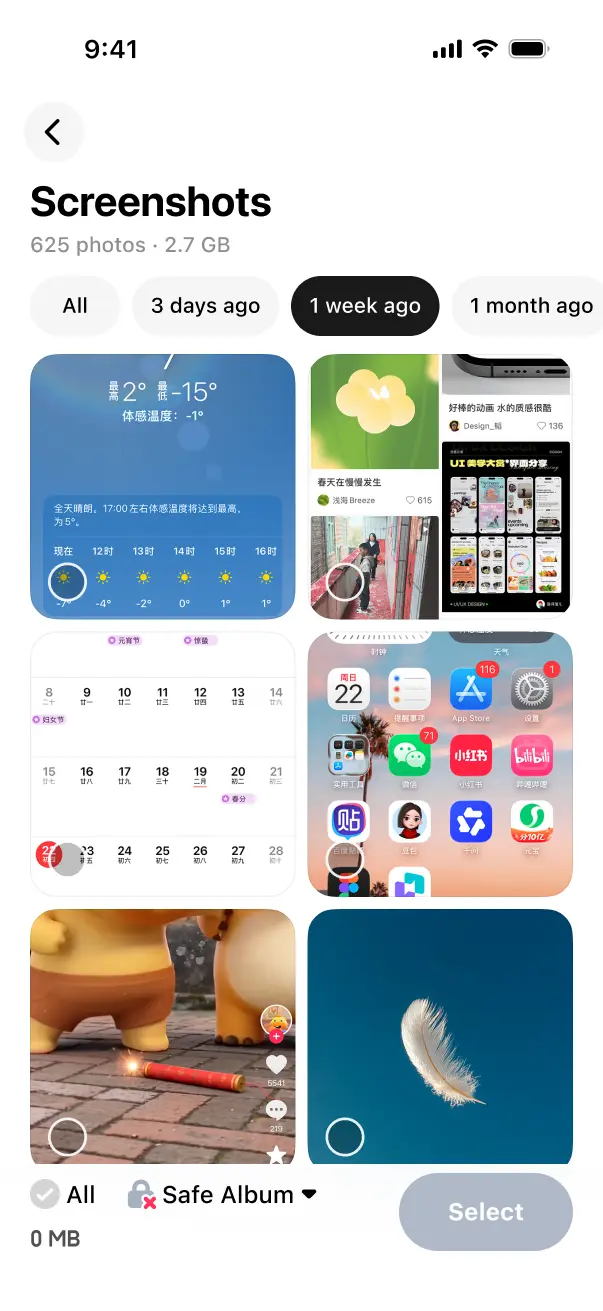
Filter screenshots by age, review them together, and delete what you no longer need.
LessPhoto analyzes, compares, and processes photos on your device. Your photo library is not uploaded, and no account is required for core tools.
Privacy PolicyNo. Photo analysis and compression are performed locally on your device.
Duplicates are matching files or images. Similar photos are separate shots that look alike, such as several photos taken moments apart.
No. LessPhoto provides suggestions, but you review selections and approve deletion through the iOS system flow.
Deletions follow the behavior of your Apple Photos library and can sync to your other devices. Review important photos before confirming.

Keep the photos you love and clear the ones you no longer need.